My Availability
Nội dung này hiện chưa có sẵn bằng ngôn ngữ của bạn.
What is “My Availability”?
Section titled “What is “My Availability”?”It’s a weekly grid where you mark the hours you’d like to work (or cannot work) each week. Your store manager uses this when planning the schedule.
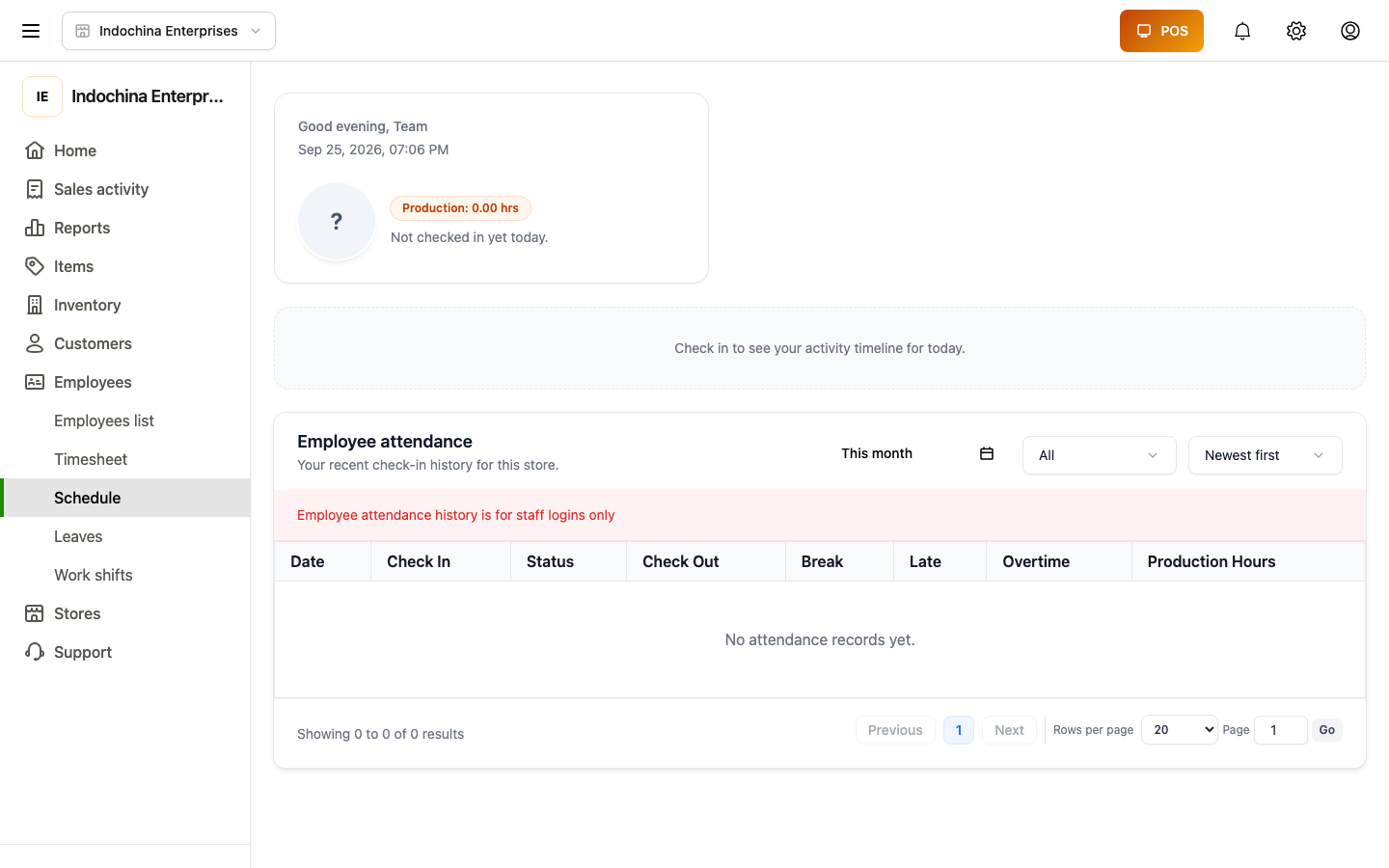
Open Sales activity → Work shifts → My Availability.
How to use it
Section titled “How to use it”You’ll see a weekly grid:
- Rows = days of the week (Sun … Sat).
- Columns = hours of the day.
- Empty days show a purple “Add Availability” bar on the current day.
- Hover (or keyboard-focus) any other empty day to reveal the same bar — click it to open the editor.
Add a window
Section titled “Add a window”Click Add Availability on a day, then pick:
| Field | What to enter |
|---|---|
| Status | Preferred or Unavailable. |
| All day? | Tick if it’s the full day. |
| Start / End | Time range (e.g. 09:00 – 18:00) when All day is off. |
| Apply to | Specific weekdays (you can pick multiple). |
| (optional) Location | Which store (employees who work multi-store). |
| (optional) Breaks | Paid or unpaid break during the window. |
| For all locations? | Tick to apply across all stores you work at. |
Click Save. The window renders as a Preferred (lavender) or Unavailable (gray) bar in the grid.
Edit or remove a window
Section titled “Edit or remove a window”Click a bar to open it, change any field, save. To remove, click the bar and choose Remove.
Notify your manager
Section titled “Notify your manager”When the week looks right, click Notify manager. Status flips from Unsubmitted → Submitted, and your manager sees it on their planning board.
Until you click Notify manager, your template is in draft and won’t be visible to scheduling tools.
- Saving several weekdays at once: add one window, check the weekdays you want, save — the system creates one window per selected day.
- Submitting once a week: make it a habit at the start of your week so the schedule reflects your current preferences.
- Need different hours next month? Edit and re-submit. Manager uses the most recent submitted template.
Common questions
Section titled “Common questions”The “Add Availability” bar only shows on today. Hover or focus any other empty day — the bar appears.
Saved a window with a typo. Click the bar → fix → save.
Want to wipe everything and start over. Owners / managers can clear via Clear all on the template editor.
Related
Section titled “Related”- Work shifts — opening the actual drawer session.
- HR Dashboard & Schedule — schedule planning.