Coupons (Khuyến mại)
Nội dung này hiện chưa có sẵn bằng ngôn ngữ của bạn.
What you’ll find here
Section titled “What you’ll find here”- What a coupon is and the four discount types it can carry.
- How to scope a coupon (store, category, products, validity, max uses).
- How to read redemption stats and act on poor ones.
The Messages screen is a separate preview surface — see Discounts & messages for that note.
I. What a coupon is
Section titled “I. What a coupon is”A coupon is a code (e.g. SUMMER20) customers show at checkout. It maps to one of:
| Discount type | Example |
|---|---|
| Percentage off | 20% off the order total. |
| Flat amount off | 30,000 VND off. |
| Buy X get Y | Buy 2 get 1 free. |
| Free shipping | Delivery orders only. |
Coupons can be limited to:
- A store, a category, or specific products.
- A time window (start / end date).
- A usage count (max redemptions).
II. Open the list
Section titled “II. Open the list”Sales activity → Discounts. The list shows:
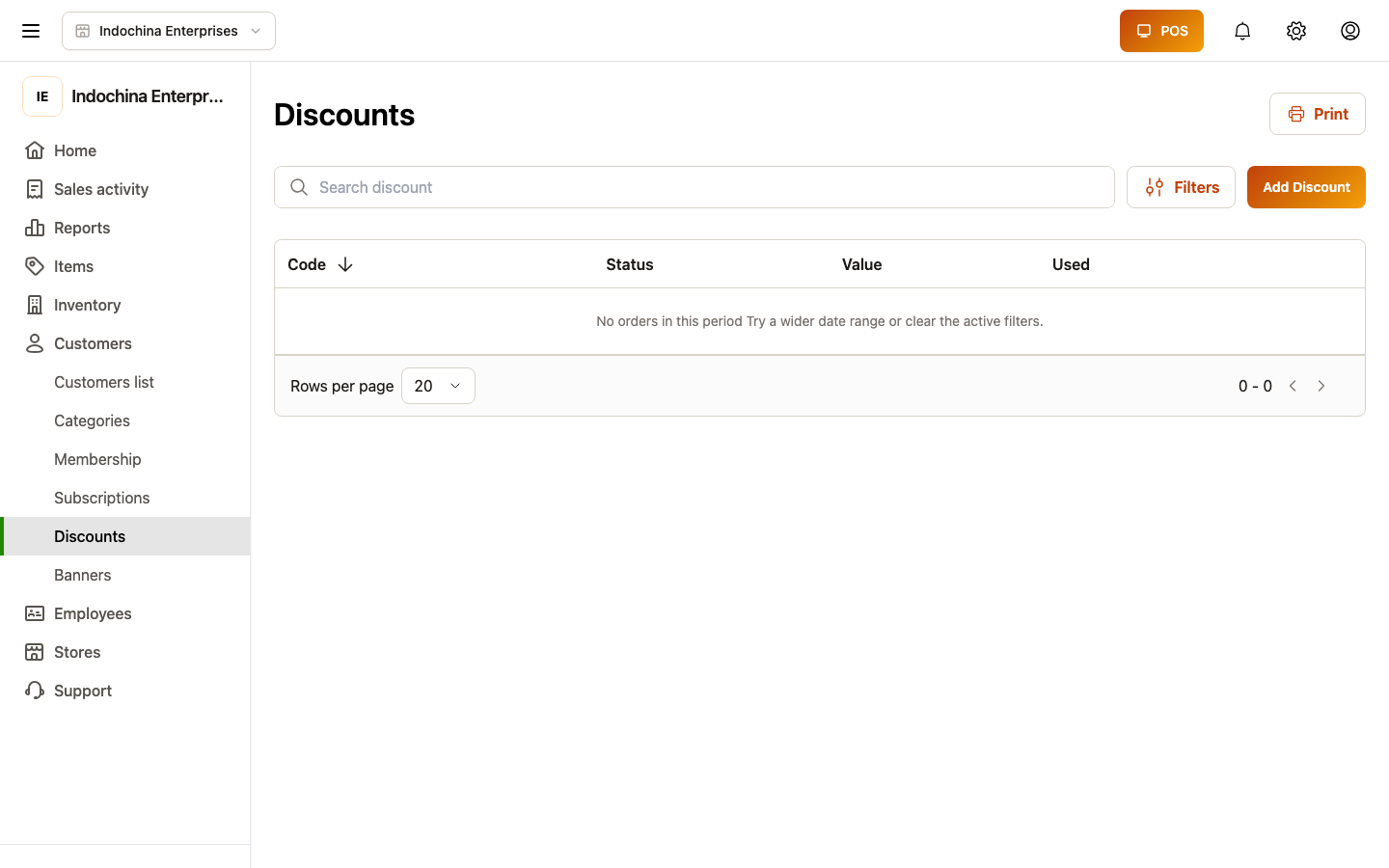
- Code (the customer-facing string).
- Discount type + amount.
- Validity window + status (Active / Inactive / Expired).
- Redemptions (lifetime count + last used).
III. Create a coupon
Section titled “III. Create a coupon”- + New coupon — give it a clear code the customer types or scans.
- Pick discount type and amount.
- Pick scope — applies to the whole order or restricted.
- Pick validity — start / end / max uses.
- Save.
Fields:
| Field | Required? | Notes |
|---|---|---|
| Code | Yes | Uppercase recommended. Unique per vendor. |
| Discount type | Yes | One of the four above. |
| Amount | Yes | Percent (1–100) or VND amount. |
| Scope | Optional | store / category / product — leave empty for whole-order. |
| Min spend | Optional | Enforce cart total ≥ X to apply. |
| Max uses | Optional | Hard cap on redemptions (per store / vendor). |
| Per-customer limit | Optional | Cap per phone / customer id. |
| Validity | Optional | Start + end date. |
| Status | Default active | Set inactive to retire. |
The create endpoint is POST /api/v1/vendor/coupons (see API catalog → “vendor-coupons”).
IV. Track performance
Section titled “IV. Track performance”Open any coupon to see live usage:
- Redeemed today / this week / all-time.
- Discount given (sum).
- Net revenue impact — sales tied to redemptions.
- Average order size with vs without the coupon.
V. Retire a coupon
Section titled “V. Retire a coupon”Set Status = Inactive from the coupon’s edit screen. Existing redemptions still count; new ones are blocked. The list still shows the row for history.
“Delete” is not exposed in the UI — instead set status to inactive to preserve audit history.
VI. Apply coupons at the lane
Section titled “VI. Apply coupons at the lane”Both POS workspace and classic POS honour coupons:
- Cashier pastes the code, or scans the printed barcode.
- If the cart matches the scope, the discount line appears and the total drops.
- If the cart does not match (no eligible items, expired, max uses hit), the POS shows a hint and refuses.
VIII. Common questions
Section titled “VIII. Common questions”Coupon won’t apply at checkout. Check:
- Status is Active.
- Validity window covers today.
- The order has at least one line that matches the scope (category / product).
- The customer hasn’t hit the max uses rule.
- Excluded items aren’t being discounted (the cashier app shows a hint).
Removing a coupon. Set status to Inactive. It stays in your list for history but cannot be redeemed.
Duplicate code on save. Codes are unique per vendor. Use a unique suffix (e.g. SUMMER20-HN).
Coupon applied but no discount shown. The cart line is in the excluded list — see the scope config on the coupon.
Coupons on refund. Refunds honor the original discount — see Step 4 — Returns.
Related
Section titled “Related”- Discounts & messages — overview + Messages preview
- Membership plans — for subscription-style programs
- POS / Checkout — cashier side of coupon apply
- API catalog → vendor-coupons