Membership subscriptions
Nội dung này hiện chưa có sẵn bằng ngôn ngữ của bạn.
What is a subscription?
Section titled “What is a subscription?”A subscription links a customer to a membership plan. While active, the customer gets the plan’s perks automatically at every checkout.
You can have many subscriptions per customer — but typically only one is active at a time for a given plan.
Open Customers → Memberships (or via a customer profile).
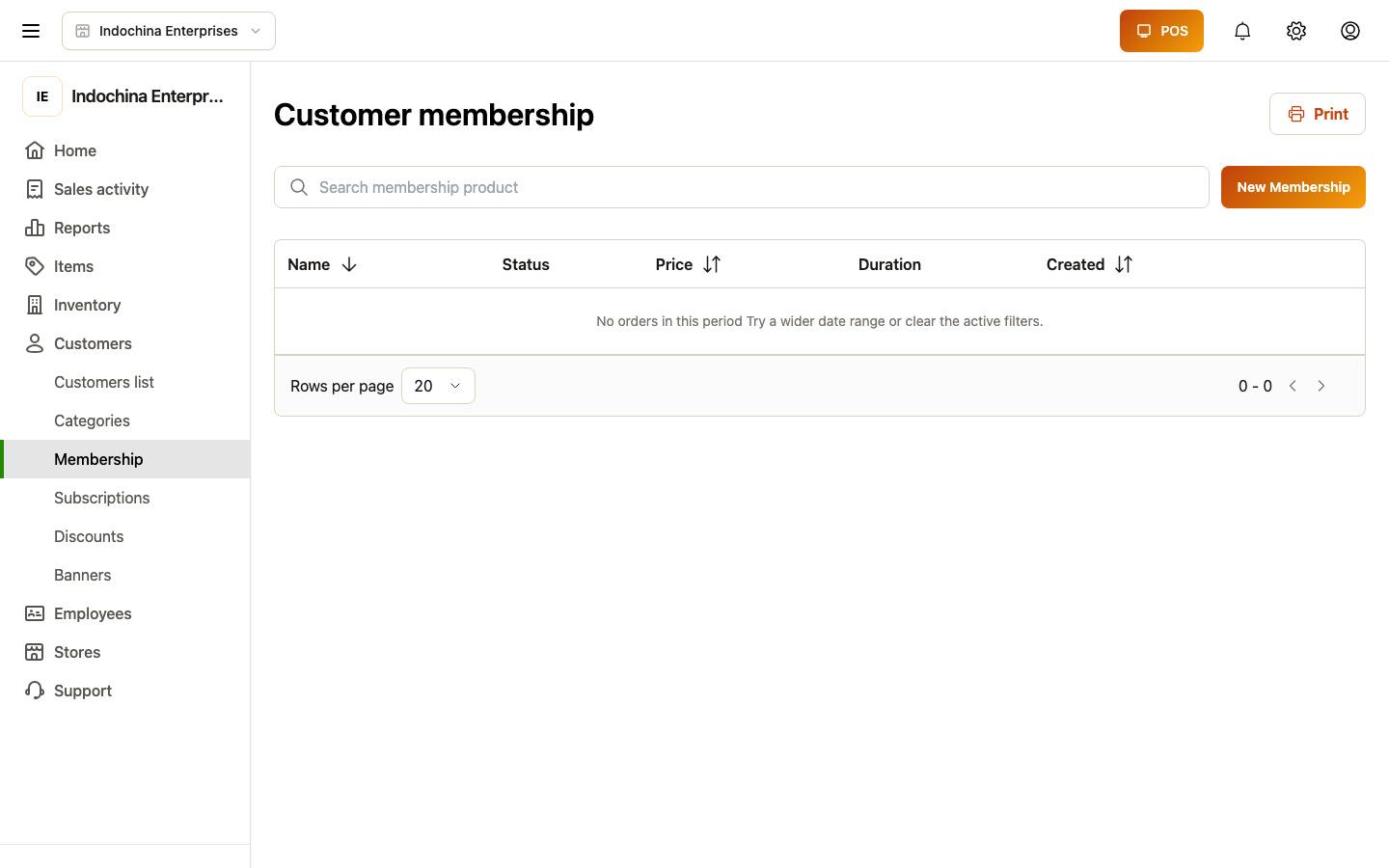
List — what you see
Section titled “List — what you see”| Column | What it means |
|---|---|
| Customer | Who is subscribed. |
| Plan | Which plan. |
| Status | Active, Trialing, Past due, Ended, Cancelled. |
| Started | First activation date. |
| Renews / Ended | When the next renewal happens, or when it ended. |
| Auto-renew | Whether the plan will renew itself. |
Click a row to see the perks applied to recent orders and the payment history.
Add a subscription manually
Section titled “Add a subscription manually”- + New subscription.
- Pick customer.
- Pick plan.
- Pick start date (today by default).
- (Optional) Add payment if charging up-front.
- Save — status flips to Active (or Trialing if you set a free trial).
POS will apply benefits on the customer’s very next order.
Cancel a subscription
Section titled “Cancel a subscription”Open the subscription → Cancel.
- Choose when: immediate (today) or at end of period.
- Add a reason (audited).
- Confirm.
The customer keeps perks until the period ends (or immediately if you chose so), then the status flips to Cancelled and perks stop.
Renew / extend
Section titled “Renew / extend”- Manual renew is rarely needed because the plan auto-renews.
- For Past due subscriptions, click Retry payment to retry the renewal charge.
- To change plans, cancel the old subscription and create a new one (or use Switch plan if the UI exposes it).
Tracking benefits
Section titled “Tracking benefits”The Benefit history tab on a subscription shows:
- Orders where membership perks applied.
- Loyalty bonus points earned per order.
- Free-delivery savings.
If a number looks wrong, check the order detail for the membership discount line and the original plan config.
Common questions
Section titled “Common questions”A customer says they’re paying but the order didn’t get a discount. Most likely cause: the cashier didn’t attach them at checkout. Open the order and re-issue (or attach the customer and re-discount manually).
Customer on two plans, charges stacking. A customer should have one active plan per kind (e.g. one VIP, one Wholesale). Cancel the older one before adding the new.
Want to credit back a charge for a cancelled subscription. Treat it like a refund — open the original payment, mark it refunded, and write the reason. The customer’s open debt / wallet adjusts.
Past-due subscription persists. Confirm the customer’s stored payment method is valid. Update if needed, then Retry payment.
Related
Section titled “Related”- Membership plans — defining plans.
- Customers — customer profile and wallet.
- Finance — refunds / adjustments.