Membership plans
What are membership plans?
Section titled “What are membership plans?”Membership plans are subscription products you sell to your customers — like a “VIP monthly” or “Bakery yearly” plan that gives them perks (discount, loyalty multiplier, free delivery above $X).
Different from a coupon: a membership is ongoing, attached to the customer, and renews automatically (or you cancel it).
Membership plans here are the vendor-customer kind (your store → your customers). They are separate from admin-platform subscriptions — for those, see Admin → Membership products.
Open Customers → Membership plans.
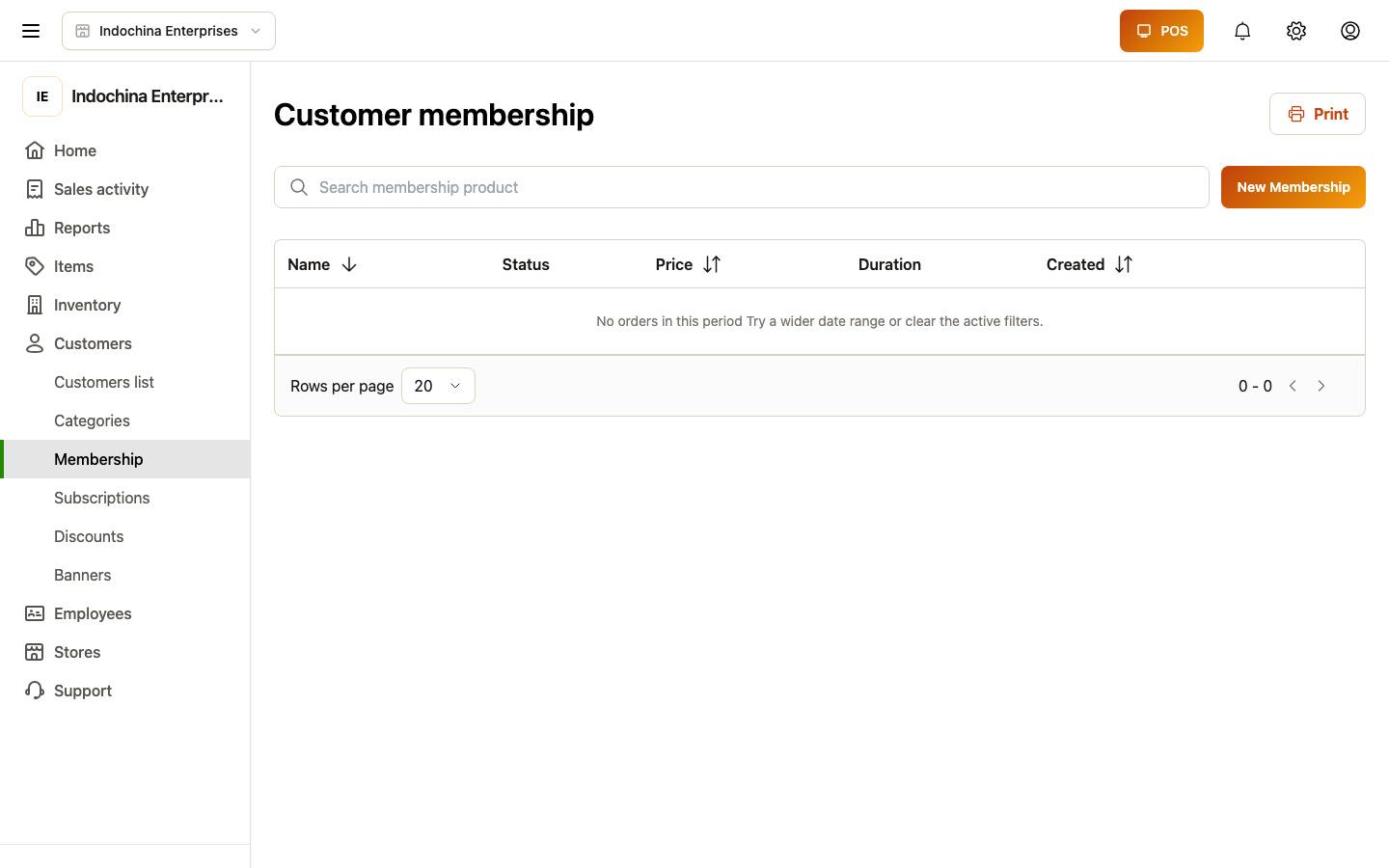
Create a plan
Section titled “Create a plan”- + New plan.
- Fill in:
- Name (e.g. VIP monthly).
- Code (optional — a short code customers see).
- Price — the recurring fee.
- Duration — e.g. 30 days, 1 year.
- Store scope — leave blank for vendor-wide; pick a store to limit.
- Pick the benefits:
- Order discount % — e.g. 10% off every order for members.
- Order discount (fixed) — flat amount off.
- Loyalty multiplier — e.g. 2× points earned.
- Loyalty bonus — extra points per order.
- Free delivery above — minimum order subtotal to waive shipping.
- Early access — preview catalog items.
- Save — plan status is Active.
Subscribe a customer
Section titled “Subscribe a customer”Two ways:
- Cashier attaches at checkout when selling a new plan to a customer — POS will create the subscription after payment.
- Owner adds later: open the customer profile → Memberships → Add subscription → pick plan + start date.
The customer’s profile now shows the plan as Active (or Trialing / Past due depending on state).
What the cashier sees at checkout
Section titled “What the cashier sees at checkout”When a customer with an active membership buys something:
- The lane automatically applies the plan’s discount (after store discounts, before coupons).
- Loyalty earn uses the multiplier.
- Free delivery is waived if the order subtotal crosses the configured threshold.
The order detail and receipt show the membership discount as a separate line, so the cashier and customer can verify it’s applied correctly.
Renewal and expiry
Section titled “Renewal and expiry”- Auto-renew is on by default — the plan keeps going until cancelled.
- Past due appears when payment fails (if you charge via stored method).
- Ended appears when the customer cancels or the duration passes without renewal.
Open the customer profile → Memberships to see the status and renewal date.
Common questions
Section titled “Common questions”I created a plan but customers don’t see the discount. Verify:
- The customer has an Active (or Trialing) subscription on that plan.
- The plan status is Active.
- The order qualifies (e.g. min subtotal for free delivery).
Customer wants to cancel. Owner / manager opens customer profile → Memberships → Cancel → choose reason → save. Cancellation stops renewals at the end of the current period (unless you choose immediate).
Can I run a free trial? Add price 0 + duration 30 days and set the customer’s first subscription to Trialing instead of Active. The cashier sees the discount during the trial window.
Bulk-update plan pricing. Edit the plan itself — all existing subscriptions use the new price on next renewal.
Related
Section titled “Related”- Membership subscriptions — managing individual subscriptions.
- Customers — customer profile and credits.
- POS / Checkout — what the cashier sees.