Customers
What you’ll find here
Section titled “What you’ll find here”Customers is your CRM — who buys from you, how to reach them, and what they owe.
- List — every customer.
- Profile — one customer at a time: orders, debt, loyalty, timeline.
- Categories — segment customers (VIP, Wholesale, Local, etc.) for marketing and credit defaults.
Most workflows start from the list.
Customer list
Section titled “Customer list”Open Customers. The table shows:
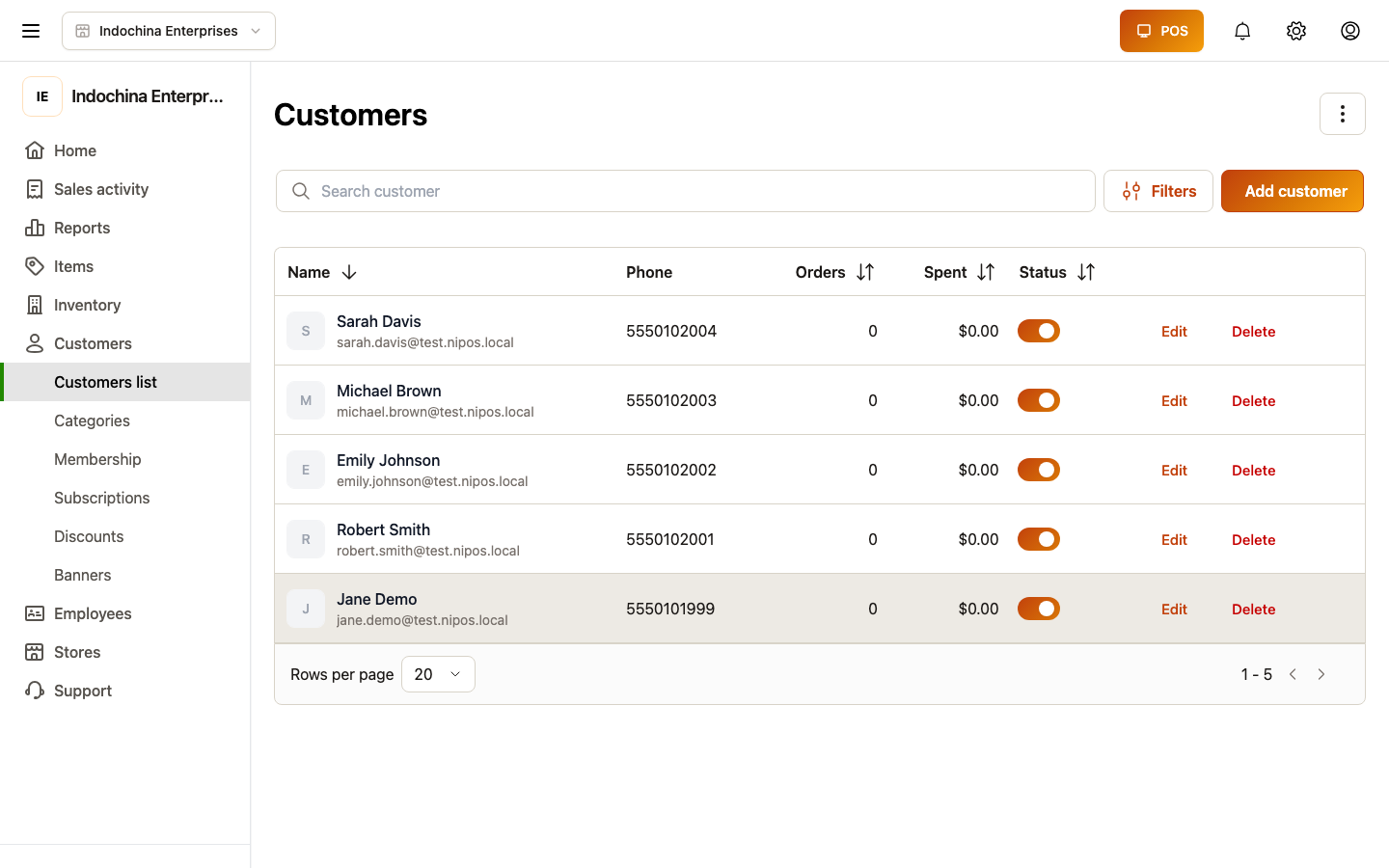
- Name, Phone, Email.
- Category (segment).
- Lifetime spend, Open debt, Last order.
- Status (active / blocked).
At the top:
- Search — name, phone, email.
- Filter — category, status, has open debt, has loyalty points.
- Bulk actions — set category, block, etc.
- Sort — newest, most spent, most debt.
Create a customer
Section titled “Create a customer”Click + New customer. The minimum:
| Field | What to enter |
|---|---|
| Name | Customer’s name. |
| Phone | For SMS / WhatsApp / loyalty lookup. |
| Optional. For receipts. | |
| Category | Optional — sets wholesale credit defaults. |
Save. The customer row appears in the list and can be picked at the lane.
Customer profile
Section titled “Customer profile”Open any customer to see:
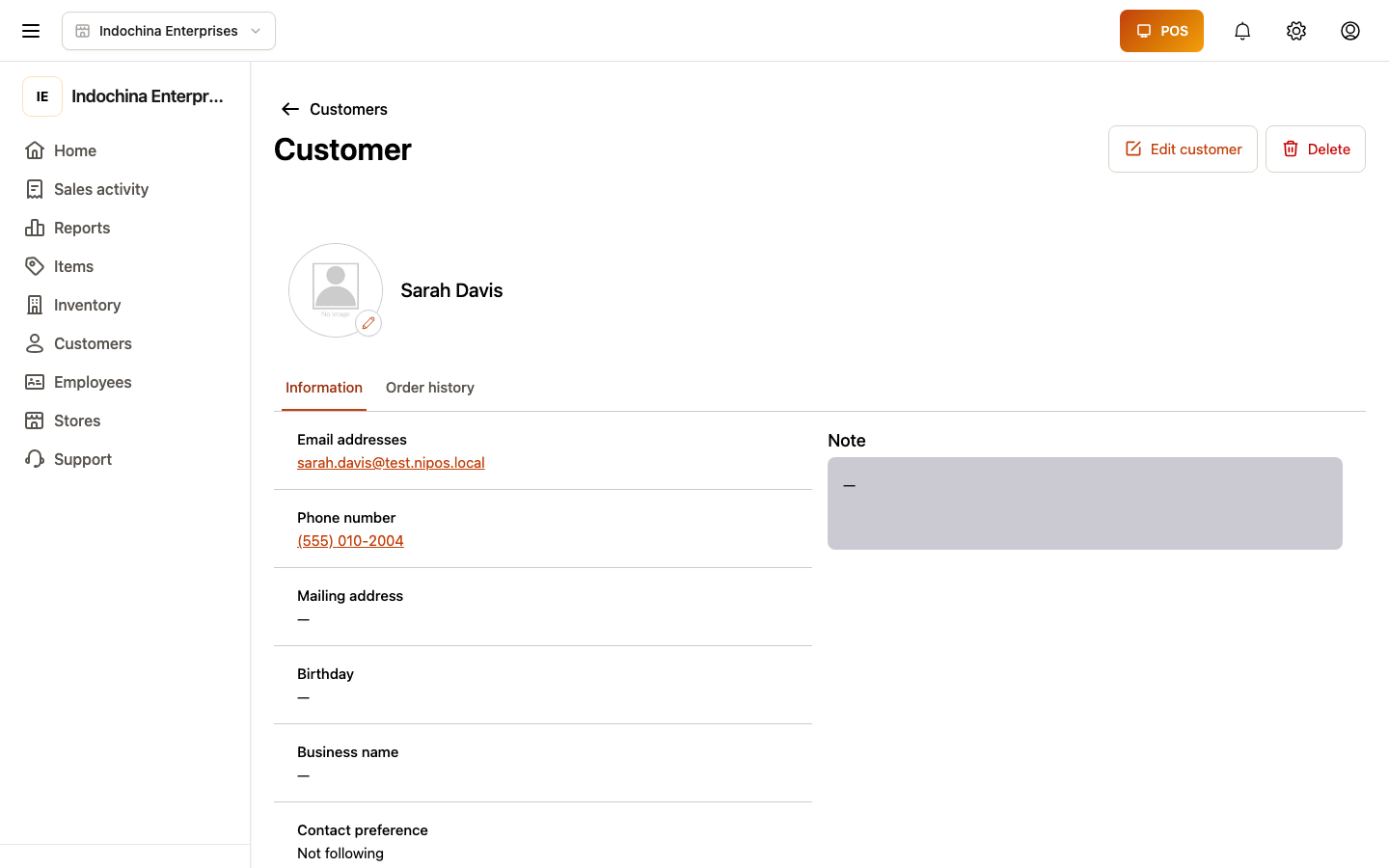
- Header — name, phone, email, category, status.
- Tabs:
- Orders — every order this customer has placed.
- Debt — open receivables + payment history.
- Loyalty — points balance, tier, ledger.
- Wallet — store credit balance, top-ups.
- Timeline — merged activity (orders, loyalty events, manual notes).
- Actions — record payment, adjust loyalty, add wallet credit, block / unblock.
Customer categories (segments)
Section titled “Customer categories (segments)”Customers → Categories is your list of segments. Examples:
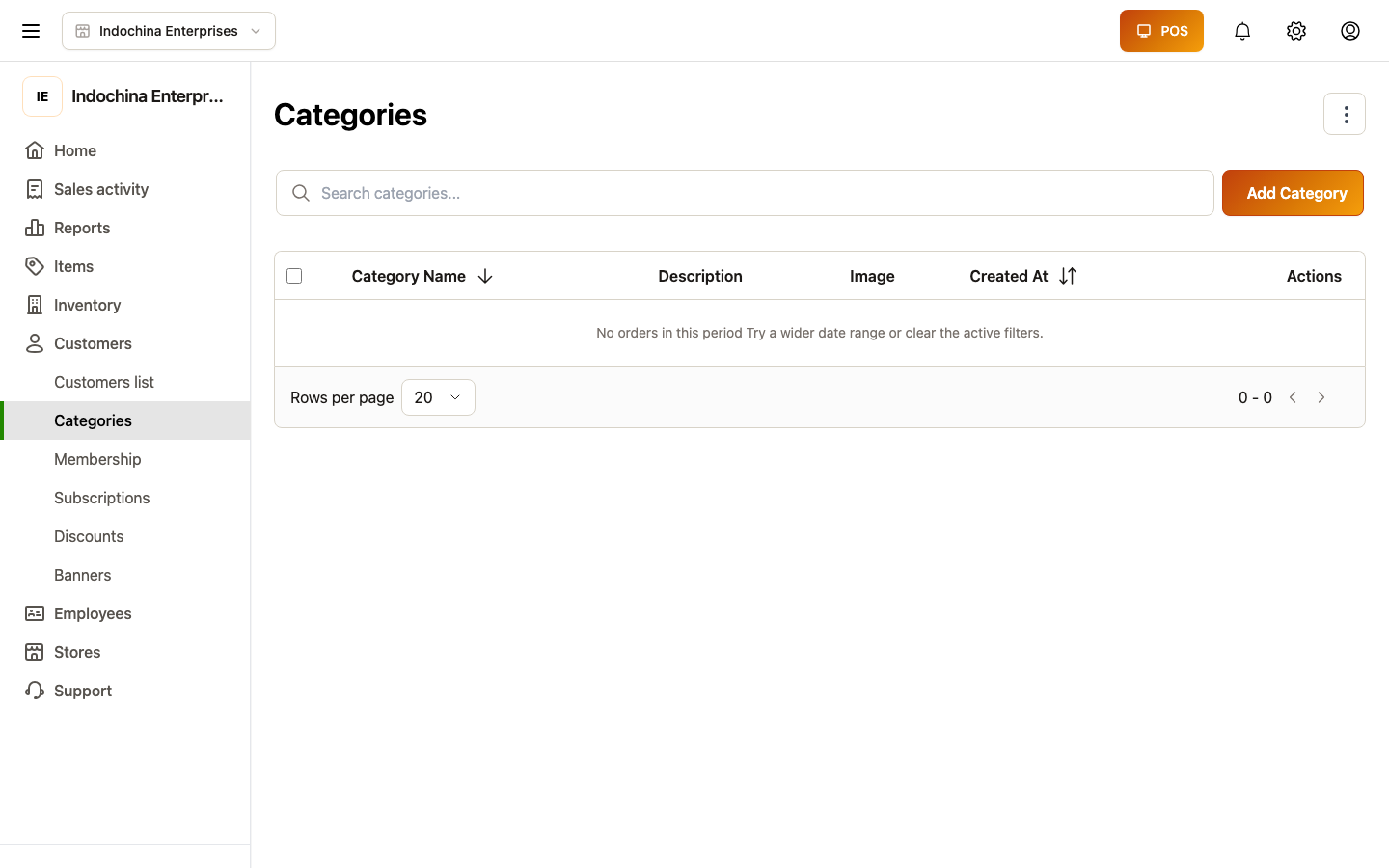
- VIP — preferred treatment.
- Wholesale — B2B buyers (set credit defaults here).
- Local — walk-ins with name collection.
- On-account — allowed to pay later.
When you put a customer in the Wholesale category, the category’s credit defaults (term, due day, max open rounds) flow to that customer. You can still override per-customer.
Recording a payment (debt settlement)
Section titled “Recording a payment (debt settlement)”From the customer’s Debt tab, click Record payment:
- Pick amount (full or partial).
- Method (cash / bank / card / wallet).
- Optional note.
- Confirm.
The receivable drops; the customer’s open debt updates.
Adjusting loyalty / wallet
Section titled “Adjusting loyalty / wallet”Need to credit a customer? Open the profile:
- Loyalty → Adjust — add or remove points with a reason (audit log keeps both).
- Wallet → Adjust — add a manual credit (cash top-up, comp, refund to wallet).
Both write a transaction row that shows in the ledger.
Membership plans
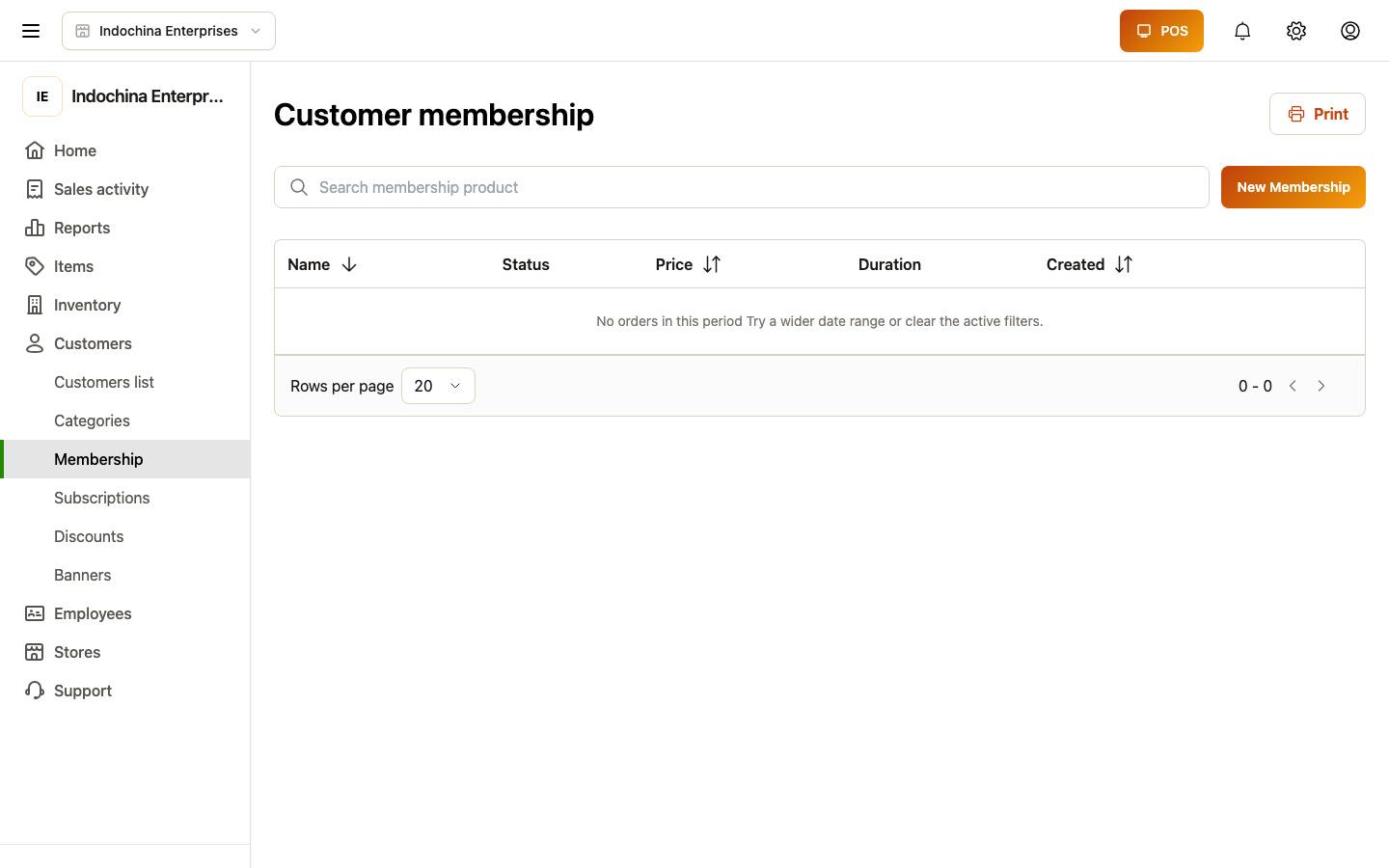
Section titled “Membership plans”For vendor-side membership subscriptions (the customer buys a recurring plan from your store), see Membership subscriptions and the plan editor at:
Wholesale (B2B) credit
Section titled “Wholesale (B2B) credit”Wholesale orders can be paid later. The system enforces limits:
| Layer | What controls debt |
|---|---|
| Customer override | If non-empty, wins over category / store. |
| Customer category | Defaults the wholesale term, due day, max open rounds. |
| Store default | Store-wide policy under Stores → Configuration. |
The credit status banner on the create wholesale order screen warns or blocks when:
- The customer has overdue debt.
- The new order would exceed max open rounds.
Set defaults from Stores → Configuration; per-segment in Customers → Categories; per-customer on the customer profile.
Common questions
Section titled “Common questions”“Phone already exists” when creating. Email / phone are unique per vendor. The customer may belong to another vendor’s record — search by phone to find them.
Customer has debt but no receivable row. Open the timeline to see the order. If the order is still pending, the receivable hasn’t been created.
Loyalty points missing on a refunded order. Refunds auto-reverse earned points. The reversal appears in the loyalty ledger with refund_reversal.
Wholesale order refused. Check the credit-status banner — the policy may be deny. Either collect payment first, or raise the limit at category / customer level.
Related
Section titled “Related”- Finance — receivables list and reports.
- Orders — creating wholesale / debt orders.
- Membership products — vendor membership plans.