Sale — Card & Terminal
Overview
Section titled “Overview”Complete a sale paid by Card through a paired payment terminal.
Prerequisites
Section titled “Prerequisites”- Terminal configured (Terminal payment).
poswrite permission on Sale.- Desktop: Vendor Desktop + bridge or local ECR (POS local-first).
Step 1 — Build the cart
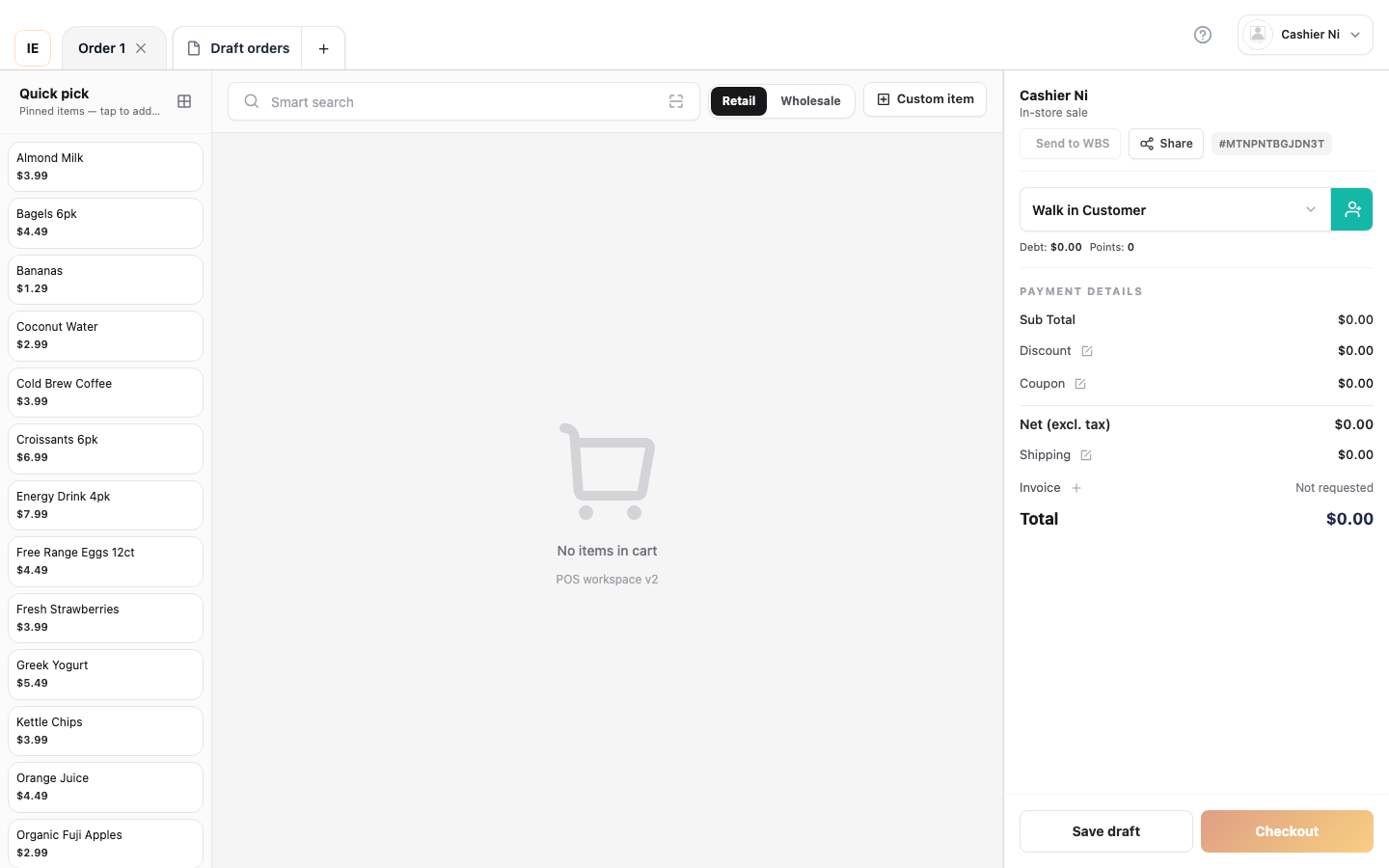
Section titled “Step 1 — Build the cart”Add lines and an optional customer (Sale — cash).
Step 2 — Choose card payment
Section titled “Step 2 — Choose card payment”- Open checkout.
- Select Card / terminal method.
- Confirm the total.
Step 3 — Complete on the terminal
Section titled “Step 3 — Complete on the terminal”- Follow the prompt on the physical terminal (insert / tap / swipe depending on device).
- The UI shows pending until the gateway confirms.
Step 4 — Wait for confirmation
Section titled “Step 4 — Wait for confirmation”- The screen polls the payment status.
- Success → receipt-print flow.
- Failure → retry or change method per store policy.
Expected result
Section titled “Expected result”- Order paid with terminal metadata on the receipt (terminal id, auth #, ref # if available).
- No double-charge if the cashier waits for the terminal-final state.
Common issues
Section titled “Common issues”| Symptom | See |
|---|---|
| Stuck in pending | FAQ — print & hardware |
| Bridge offline | Terminal payment |
Technical: POS terminals (PAX), CodePay.