Sale — Customer Debt
Overview
Section titled “Overview”Sell on debt for known customers when the store permits customer credit.
Prerequisites
Section titled “Prerequisites”- A non-guest CRM customer is attached to the cart.
- Store policy allows debt / receivables.
poswrite permission.
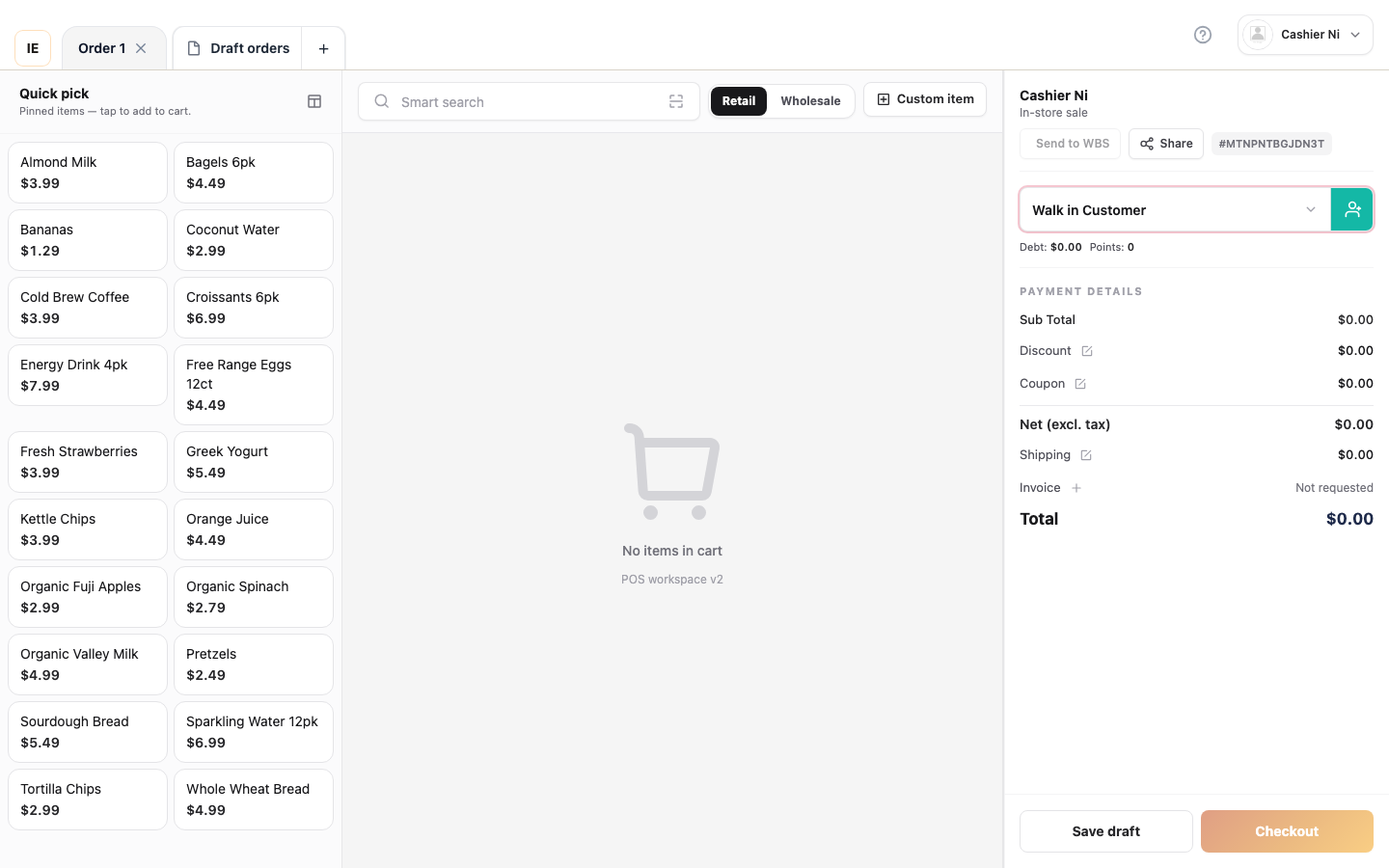
- Add lines to the cart.
- Attach a customer (Sale — with customer).
- Open checkout → pick Debt / Customer credit (label may vary by language).
- Confirm — amount tendered 0; balance moves to receivables.
- Complete the order.
Expected result
Section titled “Expected result”- Order completes with
payment_method: debt. - A receivable is created for finance to track (Sales & receivables procedures).
Common issues
Section titled “Common issues”| Symptom | Cause |
|---|---|
| Debt option disabled | Anonymous guest or no CRM link |
| API rejects debt | Customer not eligible — check limit (B2B) |