Sale — Cash
Overview
Section titled “Overview”Complete a cash transaction from an empty cart to a paid order.
Prerequisites
Section titled “Prerequisites”- Vendor Desktop on the lane PC (after the First-open checklist).
poswrite permission.
Step 1 — Open Sale
Section titled “Step 1 — Open Sale”- Open Sale (
/point-of-sale/sale). - Confirm store (and lane if required).
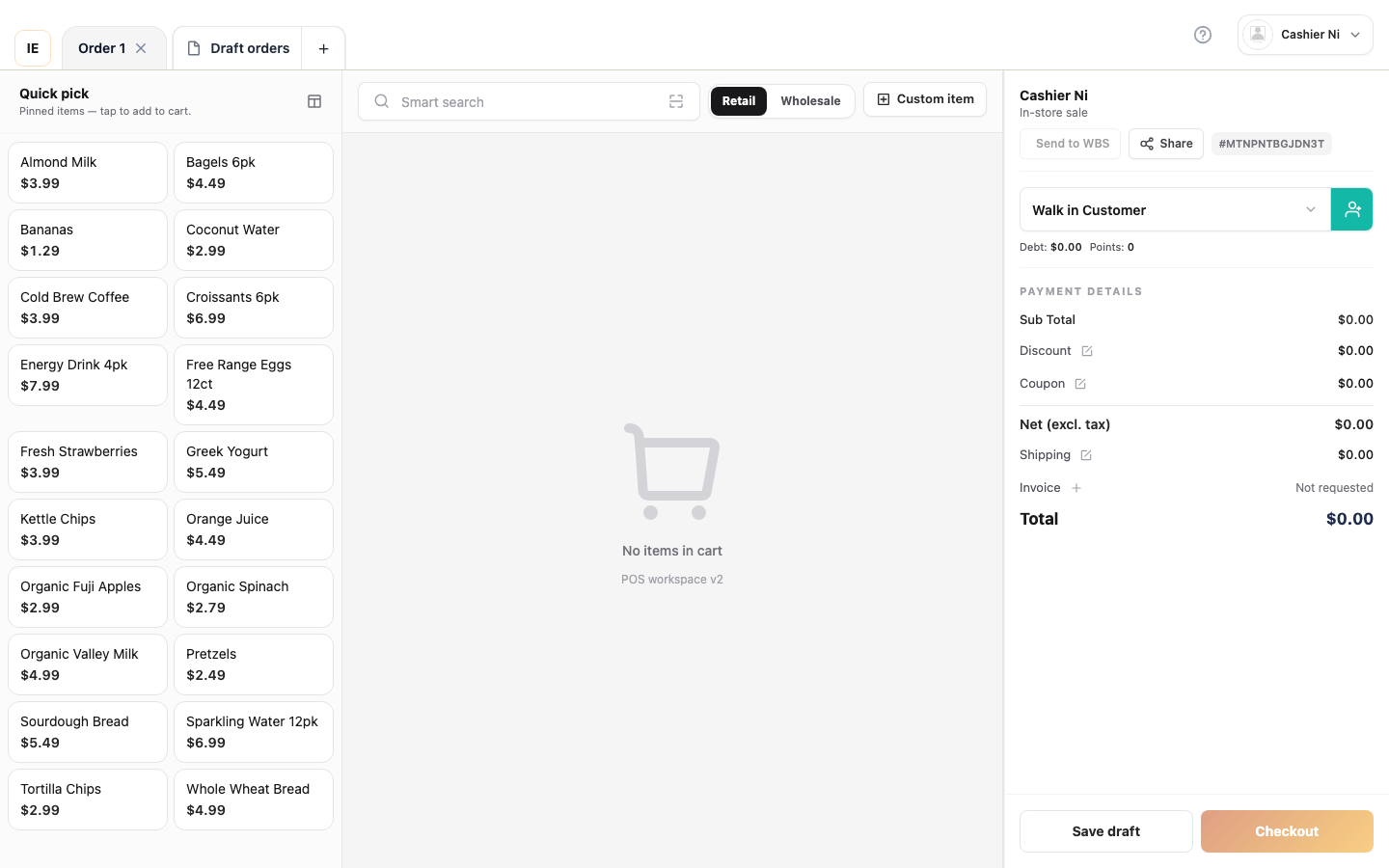
Step 2 — Add lines
Section titled “Step 2 — Add lines”Pick one:
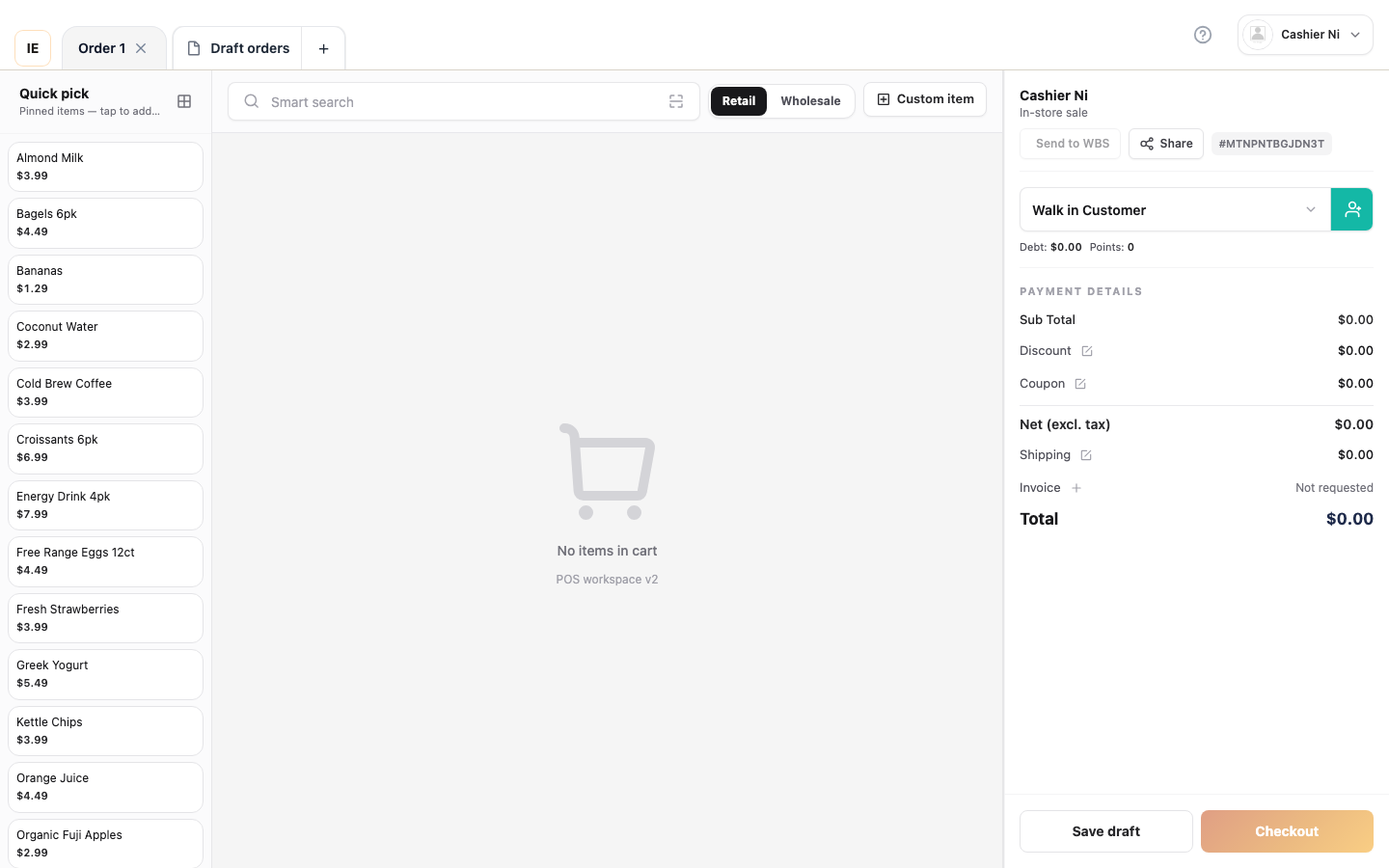
- Tap a product on the catalog grid.
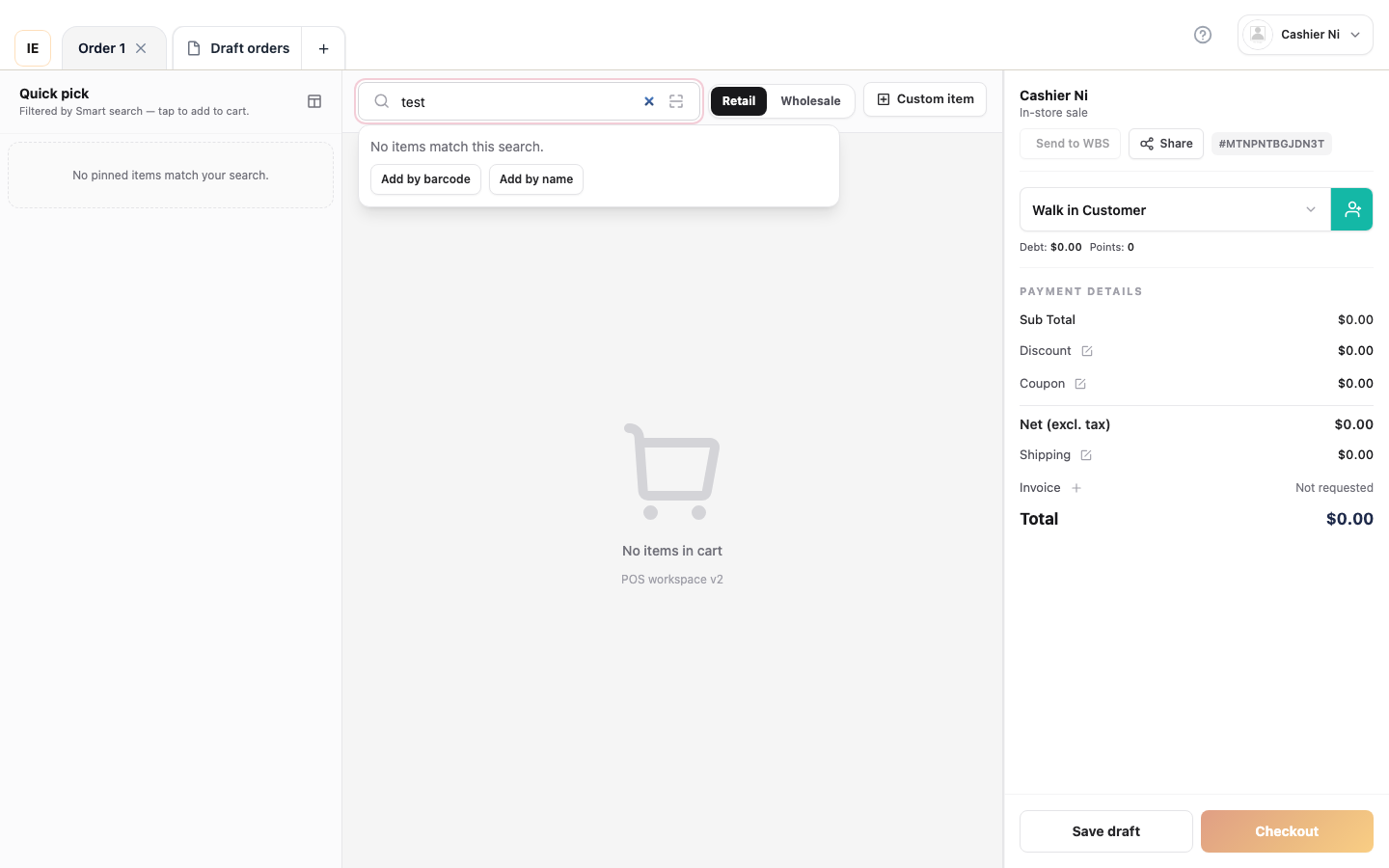
- Search by name or SKU.
- Scan a barcode (Barcode scan).
- Add a custom line (name + temp price) if the store allows.
Step 3 — Review the cart
Section titled “Step 3 — Review the cart”- Adjust quantity per line.
- Delete lines if needed.
- Review the subtotal and total tax / discount.
Step 4 — Tender cash
Section titled “Step 4 — Tender cash”- Open Checkout / pay.
- Select Cash.
- Enter the amount tendered (or exact amount).
- Confirm Place order / Pay.
Step 5 — Receipt
Section titled “Step 5 — Receipt”- If auto-print is on, the receipt prints on the configured printer.
- Otherwise use Preview receipt / print dialog.
Expected result
Section titled “Expected result”- Order status completed (or store-equivalent).
- Correct change given.
- Order shows up under Orders.
Common issues
Section titled “Common issues”| Symptom | See |
|---|---|
| Stock error on add | FAQ — sale checkout |
| Lane banner blocks checkout | Store, lane, and shift |
Test IDs: TC-PS2-010, TC-PS2-011 — Point of Sale v2 test cases