Getting started
Executive summary
Section titled “Executive summary”This page explains how LionPOS documentation is organized—user guides for Admin and Vendor apps versus technical references for engineers—and where each audience should start.
Goals and non-goals
Section titled “Goals and non-goals”| Goals | Non-goals |
|---|---|
| Pick the right entry (Admin vs Vendor vs Technical) quickly | Replace Swagger or the backend as the API contract source |
| Understand route naming and doc conventions at a glance | List every REST field or screen variant here |
Current platform behavior
Section titled “Current platform behavior”- User guide — procedures for Admin and Vendor web apps (dashboards, POS, catalog, finance).
- Technical — monorepo, API, auth, tenancy, and integrations (Technical overview).
- API details remain in Swagger (API conventions).
Sequence: happy path
Section titled “Sequence: happy path”- Open the documentation home.
- Use the table below to jump to Admin, Vendor, or Technical overview.
- Follow linked guides for the task (orders, catalog, POS, finance, etc.).
Security and operations
Section titled “Security and operations”- Guides focus on supported UI flows; JWT lifecycle and HTTPS expectations are covered under Authentication.
- Account creation and password flows may be policy-driven; some self-serve screens are not fully API-backed—see Sign-in (Admin) and Sign-in (Vendor).
Test scenarios (UAT / QA)
Section titled “Test scenarios (UAT / QA)”| ID | Scenario | Expected |
|---|---|---|
| G1 | New reader opens Getting started | Can identify Admin vs Vendor vs Technical path |
| G2 | Follow link to Admin overview | System Panel overview loads |
| G3 | Follow link to Vendor overview | Merchant Panel overview loads |
For full-stack happy/unhappy catalogues and E2E suitability per module, use System test cases (index).
Use this site in two ways:
- User guide — procedures for people using the Admin or Vendor web apps (dashboards, POS, catalog, finance).
- Technical — how the monorepo and API fit together (for engineers and integrators).
Choose your surface
Section titled “Choose your surface”| Role | Start here |
|---|---|
| Head office / zone admin | System Panel overview |
| Store / vendor operations | Merchant Panel overview — includes POS |
| Cashier at the lane | Cashier help center — Vendor Desktop /point-of-sale/* (VI) |
| Developers / DevOps | Technical overview |
Conventions
Section titled “Conventions”- Admin web routes live under
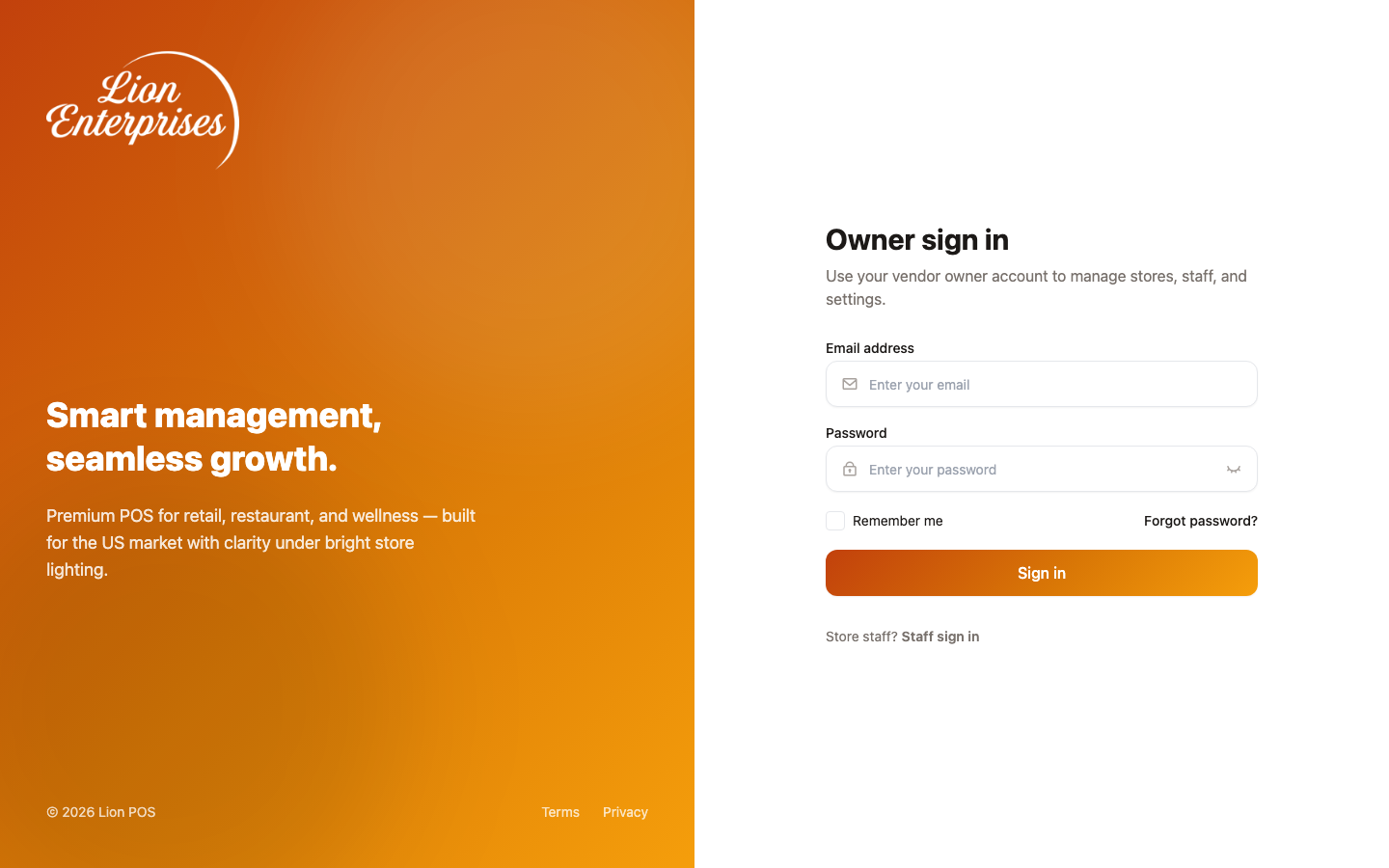
/dashboard/*(after login). See System Panel overview for the full route map. - Vendor web includes
/posand/dashboard/*. See Merchant Panel overview. - API contracts are defined in the backend Swagger UI (see API conventions); this site does not duplicate every field.
Related
Section titled “Related”- Authoring progress: repository file
apps/docs/DOCUMENTATION-CHECKLIST.md. - System test cases (index) — module-linked scenario sheets and coverage checklist.