Offline and Local Data (Desktop)
Overview
Section titled “Overview”What offline means on Vendor Desktop, and when a cashier can keep selling without a live API connection.
This page is for cashiers and store managers. Technical details live at POS local-first (desktop).
When offline applies
Section titled “When offline applies”| Environment | Offline capable |
|---|---|
| Vendor Desktop (Electron) | Yes — local SQLite + order outbox (when flag enabled) |
| Browser only | Limited — in-memory drafts only; placing orders requires network |
Local cached data (desktop)
Section titled “Local cached data (desktop)”- Catalog snapshot for the currently selected store.
- Lanes, devices, store config, open work shift.
- Order outbox — payloads waiting to sync when network returns.
Typical offline flow
Section titled “Typical offline flow”- Network drops during peak hours.
- Cashier keeps adding lines (from the local cache).
- Place order writes to the outbox; the displayed number may be a local order id.
- When network returns, the outbox syncs to the server.
Resetting local data
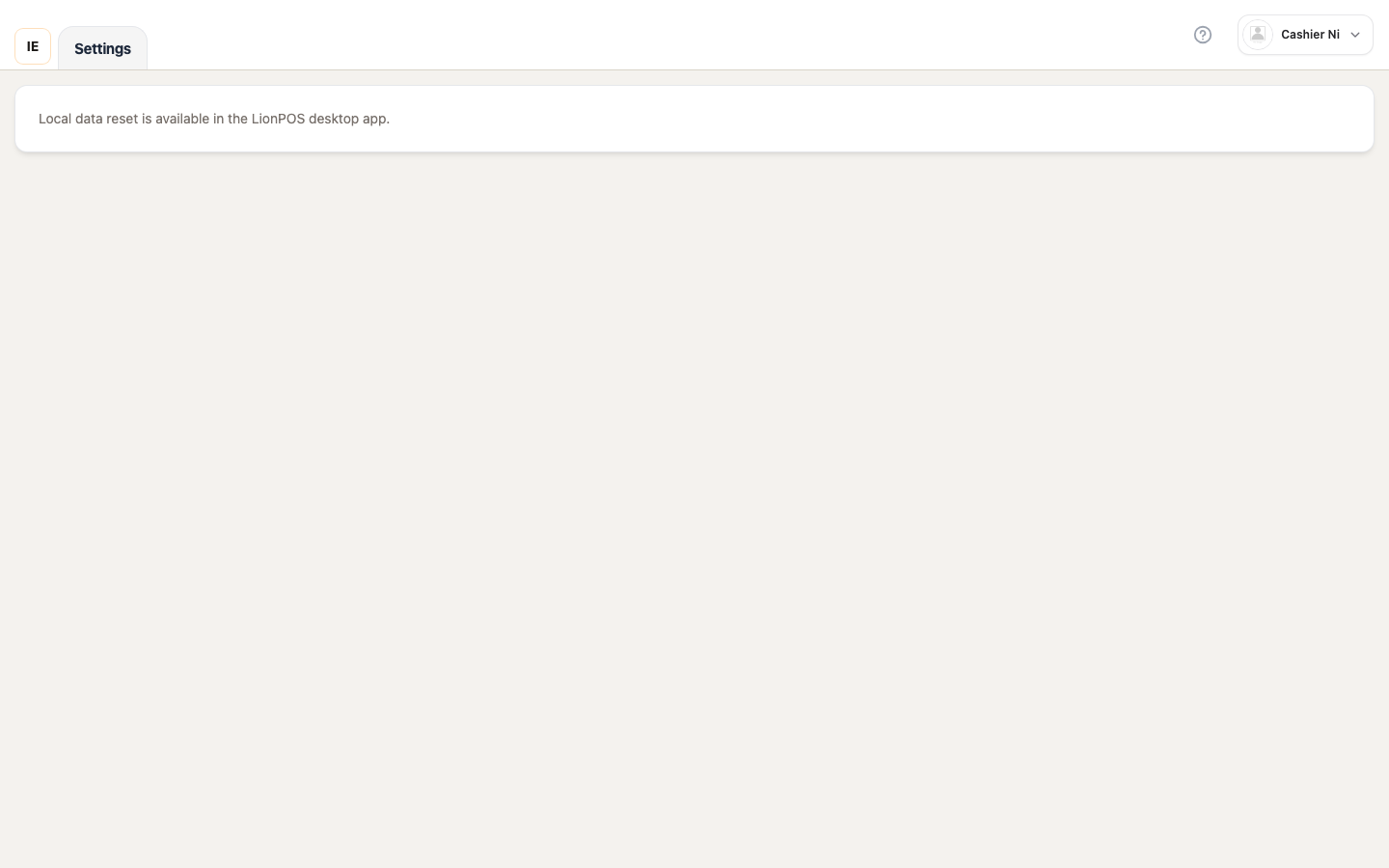
Section titled “Resetting local data”When the cache goes stale or after a training session:
- Settings → Local data (desktop only).
- Confirm the reset.
- The app reloads and re-pulls the catalog for the current store.
Common issues
Section titled “Common issues”| Symptom | See |
|---|---|
| Duplicate orders after coming back online | FAQ — offline & sync |
| Stale prices on screen | Reset local data or wait for catalog refresh |