Sale — With Customer
Overview
Section titled “Overview”Link a customer to the cart and optionally apply a coupon before checkout.
Prerequisites
Section titled “Prerequisites”customerread permission to attach a customer (Sale still requiresposwrite).- Customer already exists in the CRM (Customers at POS).
Step 1 — Add lines
Section titled “Step 1 — Add lines”Add catalog lines as in Sale — cash.
Step 2 — Attach customer
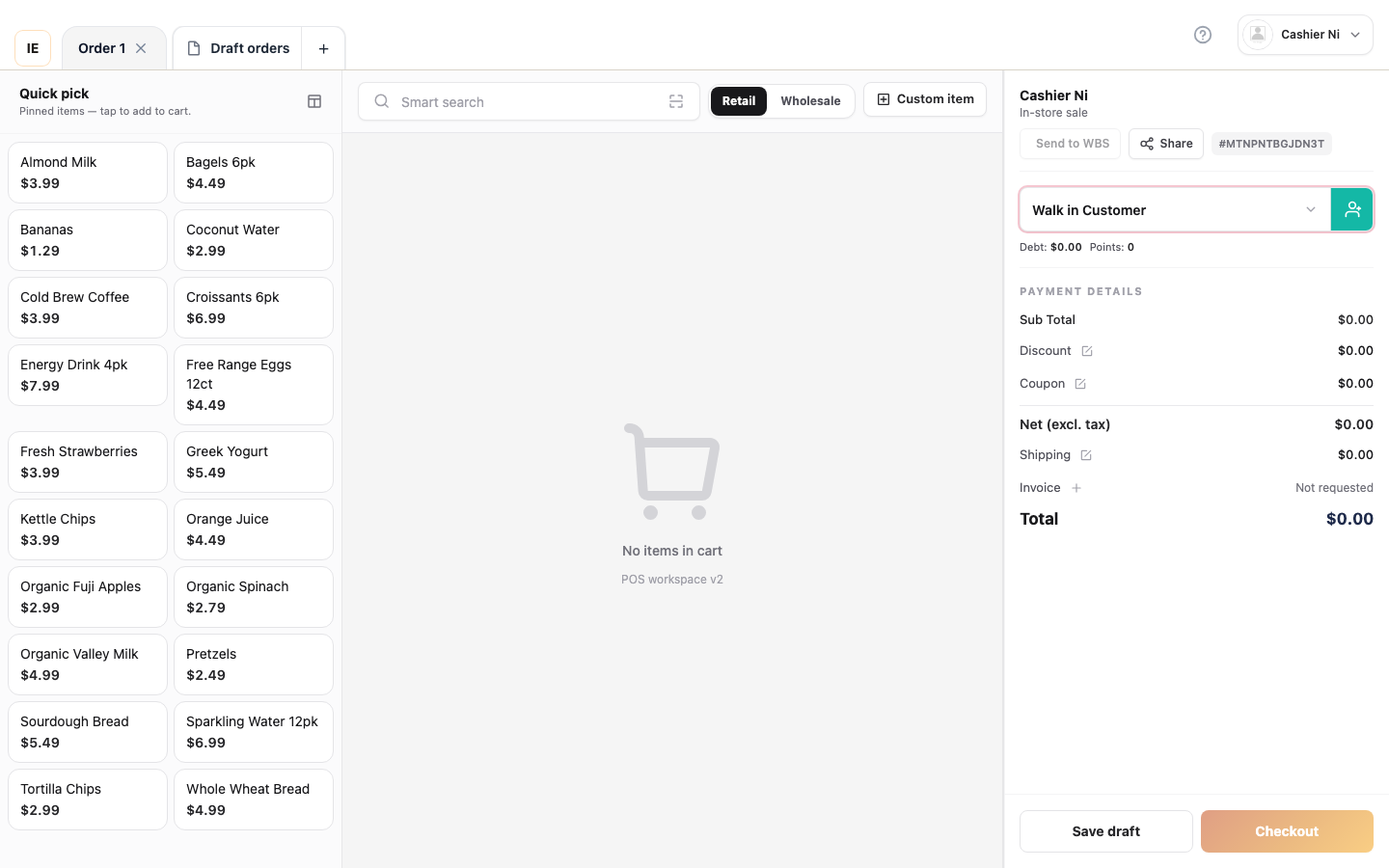
Section titled “Step 2 — Attach customer”- Open Customer on the Sale screen.
- Search by name, phone, or code.
- Select a customer (or Quick add for new ones).
Step 3 — Apply coupon (optional)
Section titled “Step 3 — Apply coupon (optional)”- Open Coupon / promotions.
- Enter or pick a valid coupon.
- Confirm the discount shows in the cart total.
Step 4 — Tender
Section titled “Step 4 — Tender”Pick Cash, Card, or Customer debt where applicable (Customer debt).
Expected result
Section titled “Expected result”- Order saves
customer_id/ linked user when present. - Coupon discount reflected on the total.
- Membership-price line items per store rules (if active).
Common issues
Section titled “Common issues”| Symptom | Fix |
|---|---|
| Coupon rejected | Check dates, store scope, minimum value |
| Debt tender greyed out | Anonymous guest customer — guest is not eligible for debt |